

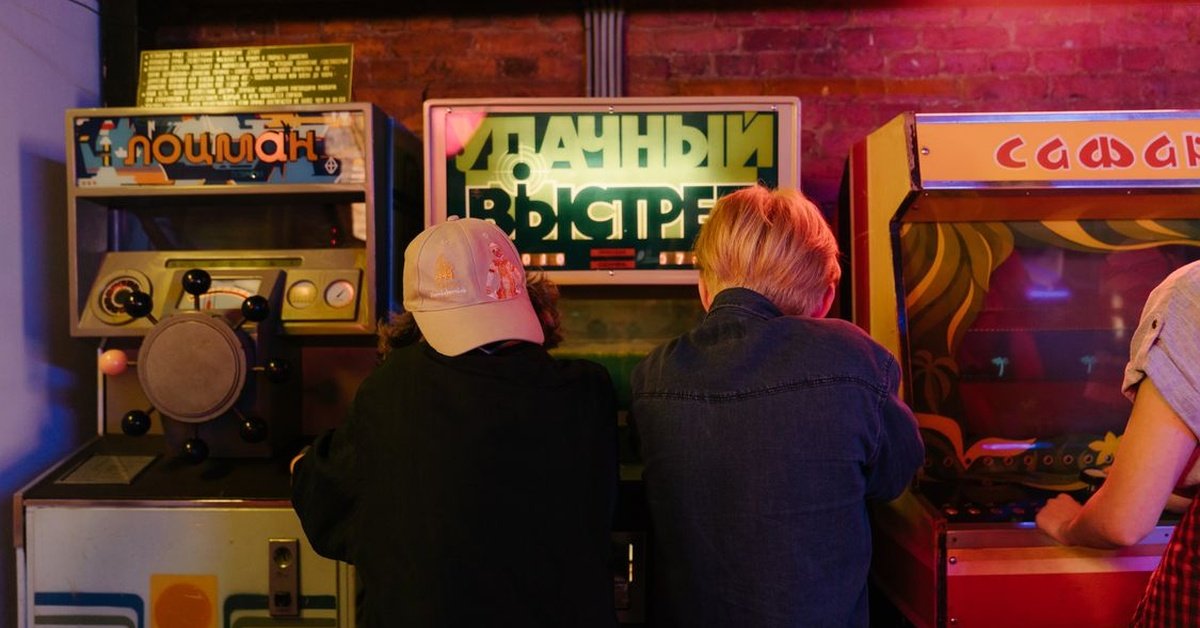
Direct answer: Google Block Breaker is Google’s version of Atari Breakout: a wall of coloured blocks, a paddle at the bottom and a ball that clears the wall one brick at a time. Google built its version out of image search results in May 2013 for the 37th anniversary of Atari Breakout. The original Image Search trigger was retired around 2020, but the game lives on in standalone browser builds and, for some users, as a search game card when you search “Block Breaker”. You start with 3 lives, clear every block to advance, and use the paddle’s edges to aim.
Quick Facts
| Item | Detail |
|---|---|
| What it is | Google’s tribute to Atari Breakout (1976) |
| Original launch | May 2013, for the 37th anniversary of Breakout |
| Original trigger | Searching “Atari Breakout” in Google Images |
| Original trigger status | Retired around 2020 |
| Current access | Search game card for some users (“Block Breaker”); standalone browser builds and archived mirrors |
| Lives | 3 to start, in most versions |
| Controls | Mouse or arrow keys on desktop; swipe or tap on mobile |
| Goal | Clear every block; a new, faster wall appears on the next level |
From Atari Breakout to Google’s Easter Egg
Breakout, released by Atari in 1976, is one of the foundational arcade games: a paddle, a ball and a wall of bricks. Its designer history is part of gaming lore — Steve Wozniak, later of Apple, wrote a software clone called “Brick Out” in Integer BASIC to demonstrate the Apple II at the Homebrew Computer Club.
Google’s tribute launched in May 2013, timed to the 37th anniversary of the original release. Searching “Atari Breakout” in Google Images triggered the hidden game, using your search results as the bricks — the thumbnails themselves rearranged into a playable wall, with the score in the corner of the results page. It became one of the most widely shared Google Easter eggs of its era, alongside the hidden Pac-Man and Snake games.
Google eventually removed the original Image Search trigger around 2020, putting it in the same category as “zerg rush”: a full game that lived inside search until it was quietly switched off. Archived “elgooG” mirror sites preserve the original experience, and standalone browser builds carry the concept forward as a permanently accessible game rather than a hidden trick you need to remember specific search terms for.
How to Play
The rules are simple enough to learn in thirty seconds, but the skill is in the aiming:
- Launch the ball. Press launch, click or press the spacebar to get the ball moving into the wall of blocks above.
- Move your paddle. Slide left and right along the bottom of the screen to stay under the ball. On desktop, use the mouse or left/right arrow keys (and A/D in some versions). On mobile, swipe or tap left and right.
- Aim with the paddle’s edges. Where the ball contacts your paddle changes its rebound direction. Hit it dead centre for a fairly straight bounce, or catch it near the paddle’s edge to send it off at a sharp angle. That edge aiming is the single biggest skill in the game, letting you steer the ball into specific clusters and awkward corners on purpose.
- Clear the whole board to advance. A new, faster wall of blocks appears once you have cleared the last one. Top rows are typically worth more points than bottom ones.
- Do not let the ball fall past your paddle. You start with 3 lives in most versions. Lose all of them and the run ends.
Power-Ups and Special Features
Modern standalone versions add twists that the original arcade game did not have:
- Multi-ball: extra balls in play at once, multiplying both scoring and chaos.
- Paddle extension: a longer paddle that is easier to keep the ball alive with.
- Laser paddle: shoot blocks directly, in some versions.
- Speed modifiers: faster or slower ball, changing the difficulty.
- Extra lives: earned by hitting specific blocks, in some versions.
- Hazards: not everything that drops is good — some versions include downgrades such as shrinking paddles, or hazards that debuff you if they land on your paddle.
The key skill is balance: do not chase every reward at the cost of losing control. Skilled players maintain control first, and let power-ups come to them.
How to Find It Now
Availability varies by region, device and Google’s current search features, so no single method works for everyone:
- Search game card: type “Block Breaker” or “Brick Breaker” into Google Search. For some users, a game card appears at the top of the results with a Play button. If nothing appears, try switching your Google interface language to English, or check that you are using an updated browser.
- Standalone builds: browser builds that recreate the game are available without downloads or sign-ups, and work on desktop and mobile.
- Archived mirrors: elgooG and similar archives preserve Google’s classic Easter eggs, including the original Breakout experience.
If the game card does not appear for you, that does not mean you did something wrong — Google rotates which interactive search features are active, which is why the hidden game may not always show.
Why It Still Matters
Google Block Breaker matters for the same reason retro arcade games keep coming back: it is instantly understandable, quick to play, and surprisingly deep once you learn paddle-edge aiming. It is also a piece of internet history — a moment when a search engine turned its own results page into a game, and millions of people discovered it by accident. That spirit, more than any single version, is what standalone builds and archives are preserving.
Conclusion
Google Block Breaker began as a 2013 Easter egg for Atari Breakout’s 37th anniversary, lived inside Google Images until around 2020, and survives today as a search game card for some users and as standalone browser builds for everyone else. The game is simple — paddle, ball, wall, 3 lives — and the skill is in aiming with the paddle’s edges and managing power-ups without losing control. Whether you find it through search or through an archive, it is still the same satisfying loop that made Breakout a classic in 1976.
FAQs
1. What is Google Block Breaker?
Google’s version of Atari Breakout: a paddle, a ball and a wall of coloured blocks to clear, originally built from image search results.
2. How do I play Google Block Breaker?
Search “Block Breaker” in Google Search and tap Play if a game card appears, or use a standalone browser build. Move the paddle with mouse, arrow keys or touch, and keep the ball alive.
3. Does “Atari Breakout” still work in Google Images?
No. The image search version was removed around 2020, so the game now lives in standalone builds and, for some users, as a search game card.
4. How many lives do you start with?
Three lives in most versions. Lose all three and the run ends.
5. How do I aim the ball?
Hit it near the centre of the paddle for a straight bounce, or near the edge for a sharp angle. Edge aiming is how you reach corners.
6. Do I need to pay or sign up?
No. The game is free to play, with no downloads, in-app purchases or registration in its browser versions.
7. What are the power-ups?
Depending on the version: multi-ball, paddle extension, laser paddle, speed modifiers and extra lives — plus hazards such as shrinking paddles in some builds.
For more articles like this, visit Newsexamine.
