

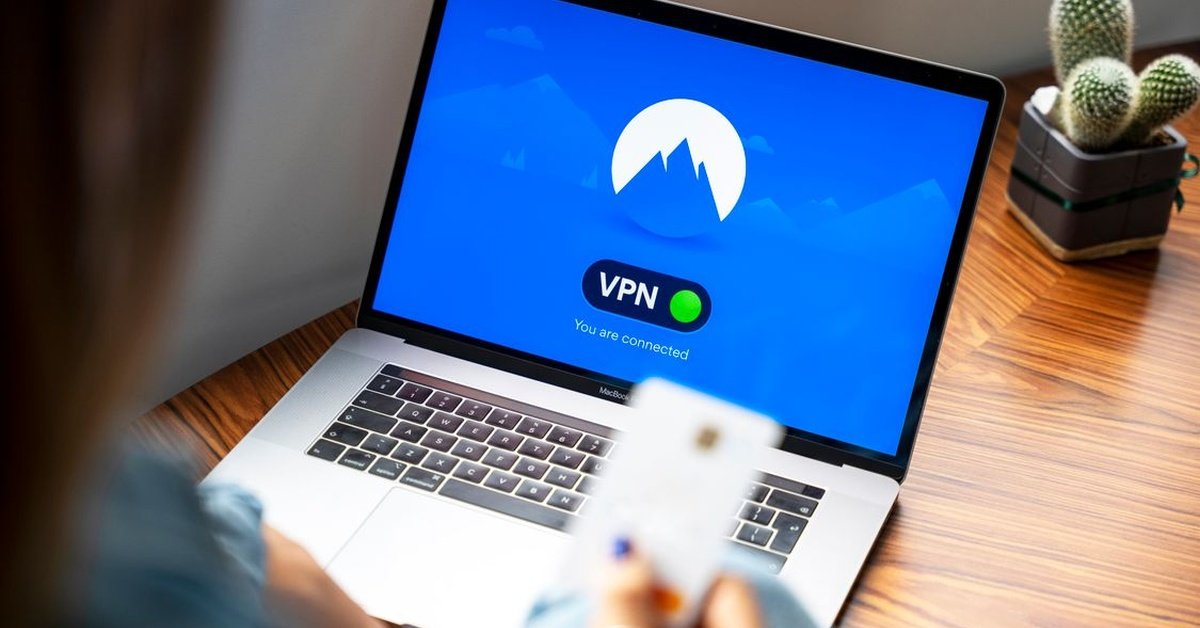
Direct answer: iTop VPN is a free and paid VPN service for Windows, macOS, iOS, Android and Chrome, marketed as a fast, secure way to browse anonymously, access region-restricted content and protect data on public Wi-Fi. Its Chrome extension requires the Windows app for full features, and its free plan is designed for light, everyday browsing rather than heavy streaming or downloading. A free VPN can improve safety on public networks, but it cannot make you anonymous, and its privacy claims should be read as vendor claims, not audited guarantees.
Quick Facts
| Item | What sources report |
|---|---|
| Platforms | Windows, macOS, iOS, Android, Chrome extension (extension requires the Windows app for full features) |
| Free plan | Available; designed for light use, with selected servers and daily bandwidth allowance (exact limit varies by source – not stated here as a fixed figure) |
| Encryption claimed | AES-256, described as military-grade by the vendor |
| No-log policy claimed | Vendor states no activity logs are stored – a claim, not an independent audit |
| Server network claimed | Over 1,800 servers in more than 100 locations (vendor claim via third-party guides) |
| Key features listed | Kill switch, smart location, ad block, DNS protection, double VPN, dedicated IP (paid), dark web monitor, WebRTC leak protection |
| Best for | Light browsing, public Wi-Fi protection, learning how VPNs work |
What Is a VPN, and What Does It Actually Do?
A VPN – virtual private network – encrypts your internet traffic and routes it through a server in another location, so your real IP address is hidden from the websites you visit and your traffic is harder for third parties on the same network to read. That helps on public Wi-Fi, where an unprotected connection can expose your activity to others on the network, and it lets you appear to browse from another region, which can unlock region-specific content depending on the website’s rules.
What a VPN does not do is make you anonymous. Your VPN provider can see your traffic, websites can still track you with cookies and accounts, and a VPN does not protect you from phishing, malware or scams. Think of it as a private tunnel, not an invisibility cloak.
What iTop VPN Offers
According to its Chrome Web Store listing and third-party guides, iTop VPN offers:
- One-click connection: a single click to start protection, with smart location automatically selecting the fastest and most stable server.
- Encryption: AES-256 encryption, described by the vendor as military-grade, to shield traffic on shared or public networks.
- No-log policy (claimed): the vendor states it does not store activity logs. That is a vendor claim; no independent audit was verified in this task, so it should not be presented as a proven guarantee.
- Kill switch: if the VPN connection drops unexpectedly, your internet connection stops automatically, preventing leaks.
- Ad block and DNS protection: tools intended to block ads and prevent your DNS settings from being modified, reducing exposure to malicious sites.
- Double VPN: encrypting data twice, for users who want extra protection at the cost of speed.
- Dark web monitor: monitoring whether your email, phone number or password appears in dark web leaks, and alerting you if it does.
- WebRTC leak protection: preventing WebRTC from leaking your real IP address.
- Dedicated IP (paid): a unique IP address exclusive to you, in locations such as Canada, the US, Germany and the UK, for users who need a stable IP.
The free plan is designed for essential features and light use. Third-party guides describe a daily bandwidth allowance suitable for basic tasks like browsing or checking email, selected server locations, and moderate speeds, with heavy streaming or downloading better suited to the premium plan. The exact free-plan limit was described inconsistently across sources, so no fixed figure is stated here – check the current free plan terms before relying on it.
How to Use iTop VPN Safely
- Download from the official source. Get the app from the official iTop website or the official Chrome Web Store listing, not from third-party download sites.
- Install on your device. Windows, macOS, iOS or Android, following the app’s setup steps.
- Choose a server. Use smart location for the fastest connection, or pick a specific region if you need region-specific content.
- Connect before public Wi-Fi. Turn the VPN on before joining a café, airport or hotel network, not after.
- Turn on the kill switch. This is the single most important safety setting: without it, a dropped VPN connection can expose your real IP without you noticing.
- Check for leaks. Use a DNS and WebRTC leak test after connecting, especially the first time, to confirm your real IP is hidden.
- Do not rely on it alone. Keep your browser and operating system updated, use strong unique passwords, enable two-factor authentication, and stay sceptical of phishing links – a VPN does not protect against those.
Free VPNs: The Honest Trade-Off
Free VPNs are useful for learning and for light use, but they come with trade-offs that paid plans reduce:
- Data caps or reduced speeds on free plans, making heavy streaming or downloading impractical.
- Fewer servers and less reliable connections.
- Business model questions: if a VPN is free, ask how it makes money. A reputable free tier is usually a limited version of a paid product, which is iTop’s model. A free VPN with no paid product and no clear business model should be treated with more scepticism.
- Privacy claims are not audits. No-log is a policy statement, not a technical guarantee, unless it has been independently audited. Read the privacy policy, check for audit reports, and assume the provider could see your traffic.
For everyday light browsing and public Wi-Fi protection, iTop’s free plan is a reasonable starting point. For heavy use, streaming, work that involves sensitive data, or anyone who needs a proven no-log guarantee, a paid VPN with an independent audit is a better fit.
Conclusion
iTop VPN is a practical free entry point to safer browsing: one-click connection, AES-256 encryption, a kill switch, ad blocking and DNS protection, with a free plan suited to light use and a premium plan for heavier use. Its value is real on public Wi-Fi and for learning how VPNs work, but its privacy claims are vendor claims, not audited facts, and its free plan has limits. Use it with the kill switch on, check for leaks, and pair it with the basics – updates, strong passwords and scepticism about phishing – that no VPN can replace.
FAQs
1. Is iTop VPN free?
Yes, it has a free plan designed for light, everyday browsing, with selected servers and a daily bandwidth allowance. Exact limits vary and should be checked against current terms.
2. Is iTop VPN safe?
It offers AES-256 encryption, a kill switch and DNS protection, which help on public Wi-Fi. Its no-log policy is a vendor claim, not an independently audited guarantee verified in this task.
3. What is a kill switch?
A feature that stops all internet traffic if the VPN connection drops unexpectedly, preventing your real IP from leaking.
4. Can a free VPN make me anonymous?
No. A VPN hides your IP from websites and encrypts traffic on your network, but your provider can see your traffic, and cookies and accounts can still track you.
5. Does iTop VPN work on mobile?
Yes, on iOS and Android, as well as Windows and macOS. Its Chrome extension requires the Windows app for full features.
6. What is double VPN?
Encrypting your data twice by routing it through two VPN servers, for extra protection at the cost of speed.
7. Should I choose free or paid?
Free is fine for light browsing and learning. Paid is better for heavy streaming, downloading, work with sensitive data, or anyone who needs an audited no-log guarantee.
For more articles like this, visit Newsexamine.
